Help and product logic
How does Pockentry work?
Pockentry is an operations layer that turns WhatsApp messages into business records. Employees use WhatsApp; managers configure templates, approvals, reports and team controls from the dashboard.
Open demo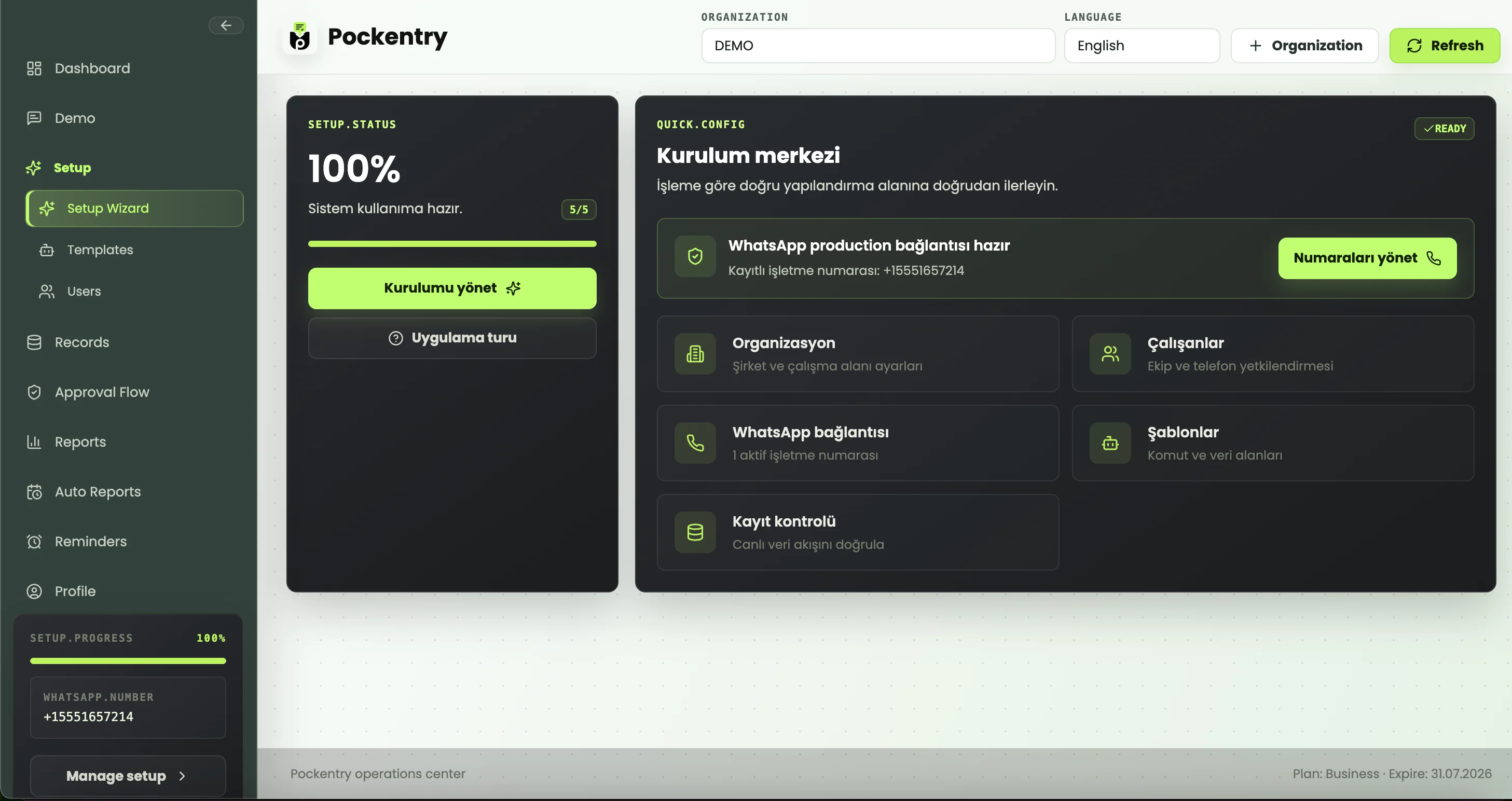
1. Set up the organization and WhatsApp number
Your business number, team roles and setup steps are configured in the dashboard.
2. Create record templates
Define commands and fields for sales, inventory, delivery, service, expenses or field reports.
3. Employees send WhatsApp messages
Teams submit data with the command you define, without installing a new app.
4. Pockentry validates the data
Required fields, data types and rules are checked; records can be routed for approval.
5. Reports are generated
Records can be reviewed in the dashboard and exported as Excel, PDF, email or WhatsApp reports.
6. Permissions stay controlled
Manager, employee and organization roles remain separate, with traceable activity.
What does an employee do in WhatsApp?
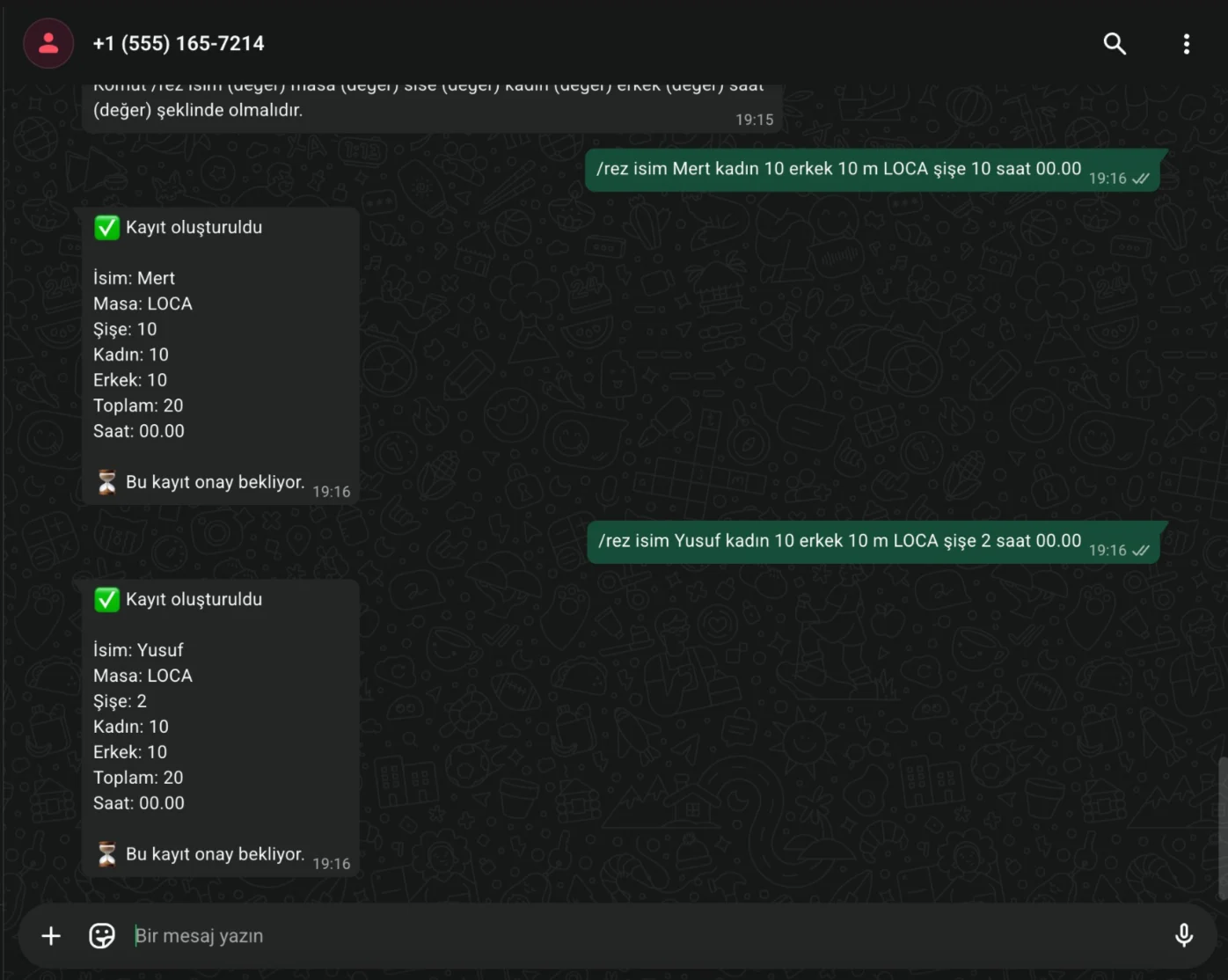
Employees type the chosen command and fields. A delivery, inventory or day-end update is sent as a WhatsApp message, then Pockentry parses it against the template and creates a record.
What does a manager see in the dashboard?
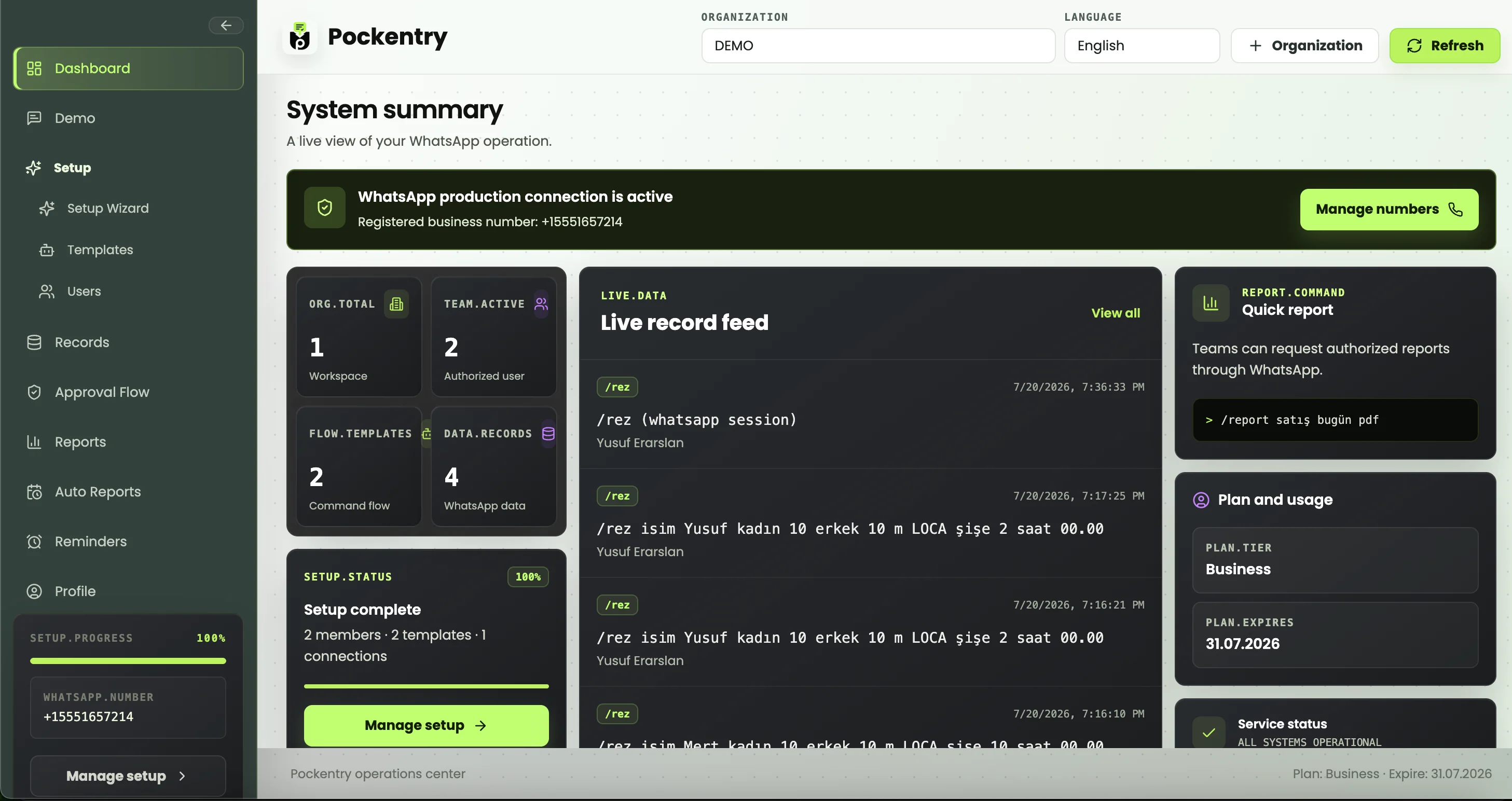
Managers see the live record feed, missing submissions, pending approvals, employees, templates and reports. Operations are reviewed from one dashboard instead of chat history.
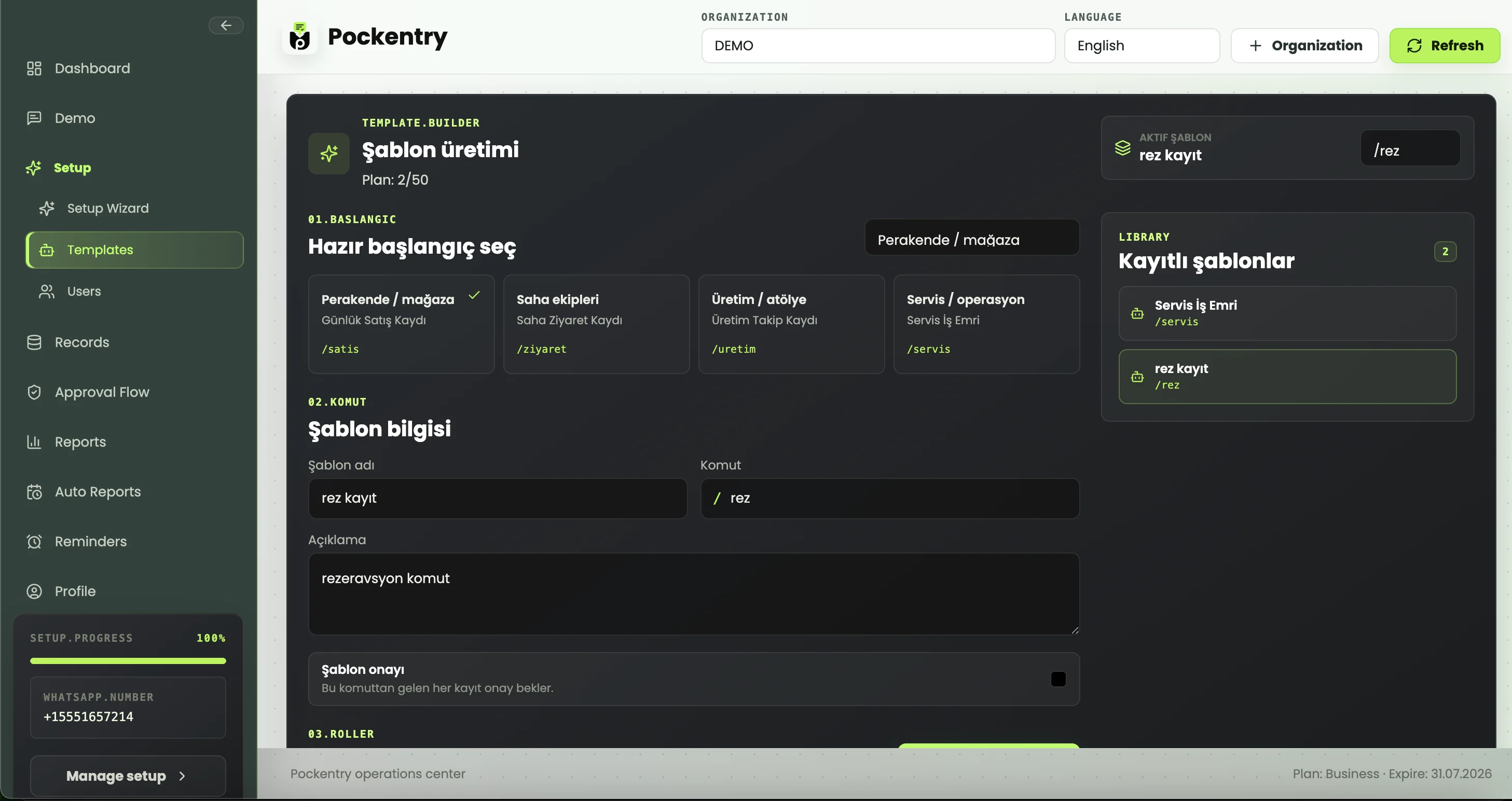
How are templates configured?
Each command has fields, required inputs, data types and approval rules. Everyone submits in the same structure, and incorrect records are caught earlier.
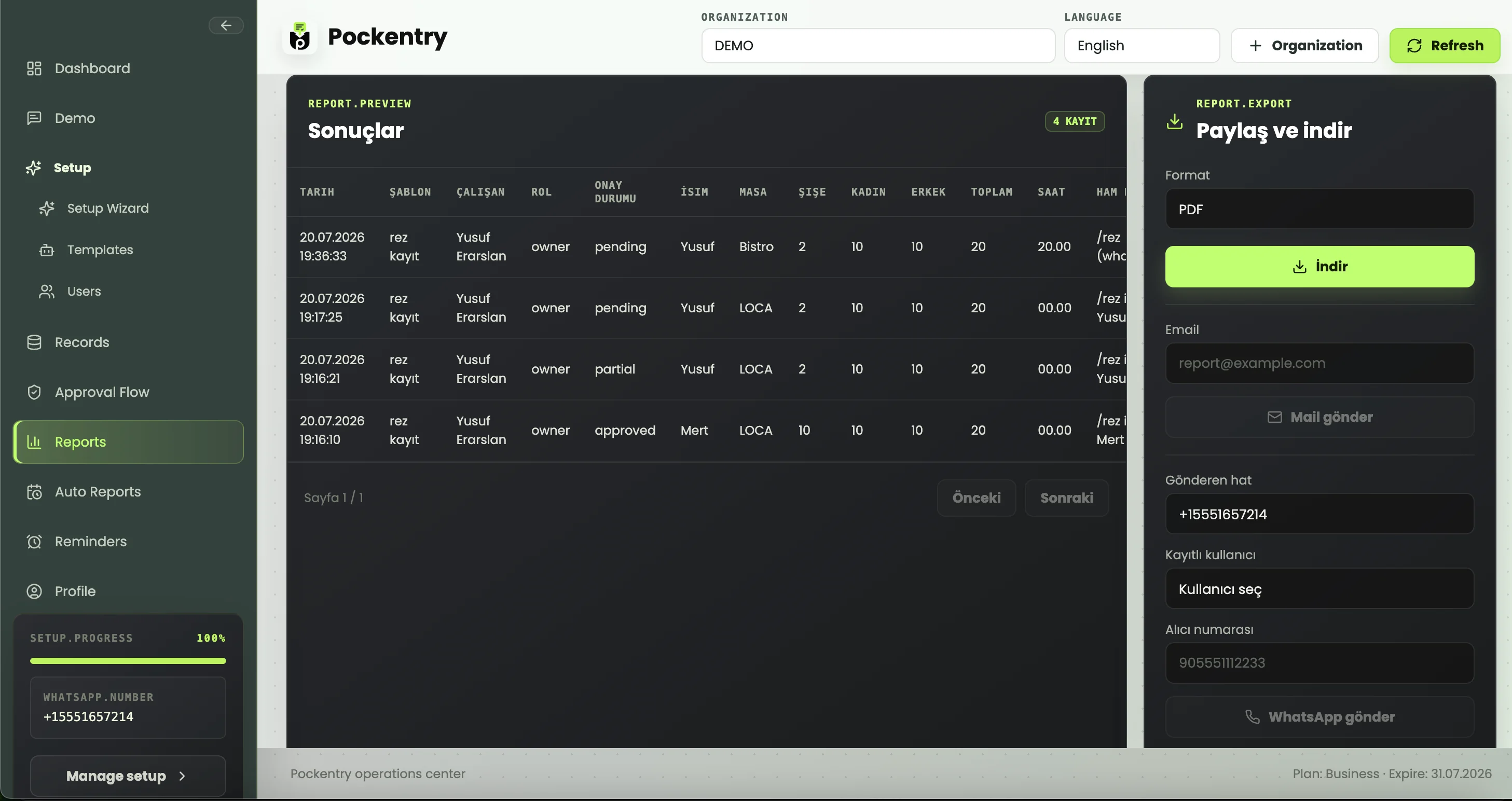
How do I get reports?
Filter records and download Excel or PDF files, share them by email, or let authorized users request summaries and PDF reports with WhatsApp commands.
Short answers
Do employees install an app?
No. WhatsApp messages are the main employee-side channel.
Can reports be requested from WhatsApp?
Yes. Authorized users can request summaries or PDF reports with WhatsApp commands.
Are Excel, PDF and email supported?
Yes. Reports can be downloaded as Excel/PDF and shared by email.
Can each business define its own fields?
Yes. Templates are created around the company’s own operational language.
Is Pockentry a chatbot?
It is not a generic chatbot or bulk messaging tool; it turns WhatsApp messages into structured operations records.
Try the first workflow
Open the demo, send a WhatsApp command and watch how the record and report are created.
From the blog
Operations guides

Inventory
How to Track Inventory Updates Through WhatsApp
Capture counts, movements, waste, and low-stock alerts through structured WhatsApp messages.

Field teams
Daily Field Team Report: A Practical WhatsApp Template
Collect visits, outcomes, payments, and follow-ups from field employees with a consistent WhatsApp template.

Daily reporting
WhatsApp Daily Operations Reporting Guide
Collect consistent daily reports from frontline teams through WhatsApp and turn every validated message into an exportable business record.