
When Should You Move from Spreadsheets to an Operations System?
Recognize when spreadsheets start slowing daily operations and plan a transition without disrupting the work.

Spreadsheets are powerful, accessible and quick to start. They are often enough for one list managed by a small team. The problem does not begin when a file becomes large; it begins when the operation itself starts revolving around the file. If employees ask which version is current, managers chase incomplete rows and decisions are encoded through cell colors, the team is trying to run work rather than simply store data.
Signals that it is time to move
- The same information is entered in several files.
- Nobody can clearly see who changed a record.
- Approvals happen through email or verbal follow-up.
- Late work depends on personal reminders.
- Every report requires another round of data cleanup.
One signal alone does not require a new system. Several at once show that the business has moved from record keeping into process management. The need is no longer a larger table, but a structure that connects fields, owners, states and decisions.
Start the transition with one workflow
Instead of migrating every file at once, choose one frequent process with a measurable result. Daily sales, expense requests, inventory counts and field visits are good candidates. Keep the fields the team actually uses and leave behind columns that no longer support a decision.
Early success is not about collecting more data. It means completing the same record with fewer errors and less follow-up. If the team can submit comfortably, managers can see pending work and reports need no manual cleanup, the transition is working.
How Pockentry supports the change
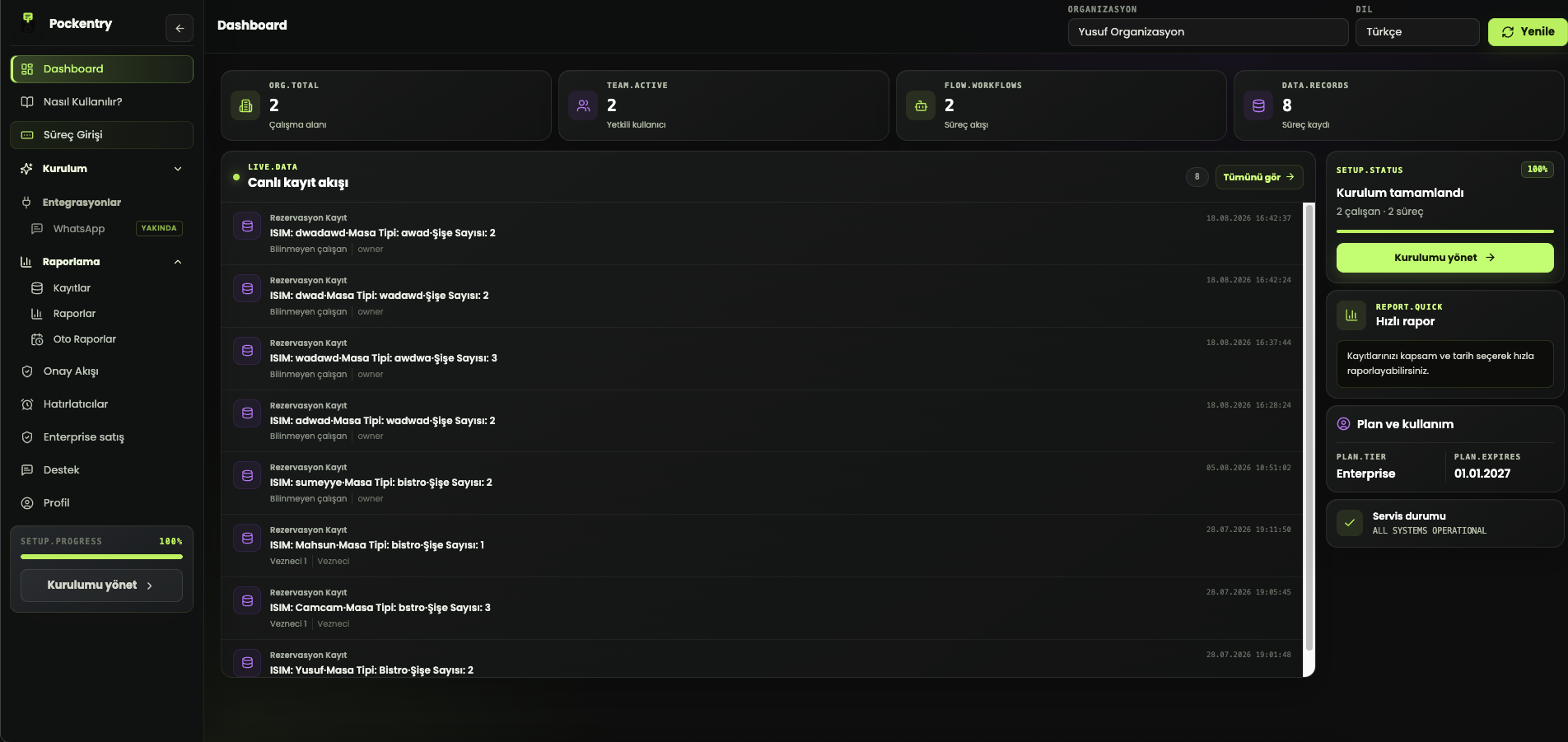
Pockentry turns the useful fields in an existing spreadsheet into a workflow, shows each team member the right form and routes critical records for approval. Excel becomes an output when needed instead of the engine running the operation.