
How Do You Keep Control When Designing Workflows with AI?
Turn AI-assisted onboarding into a reliable first draft through clear scope, a useful process description, and human review.
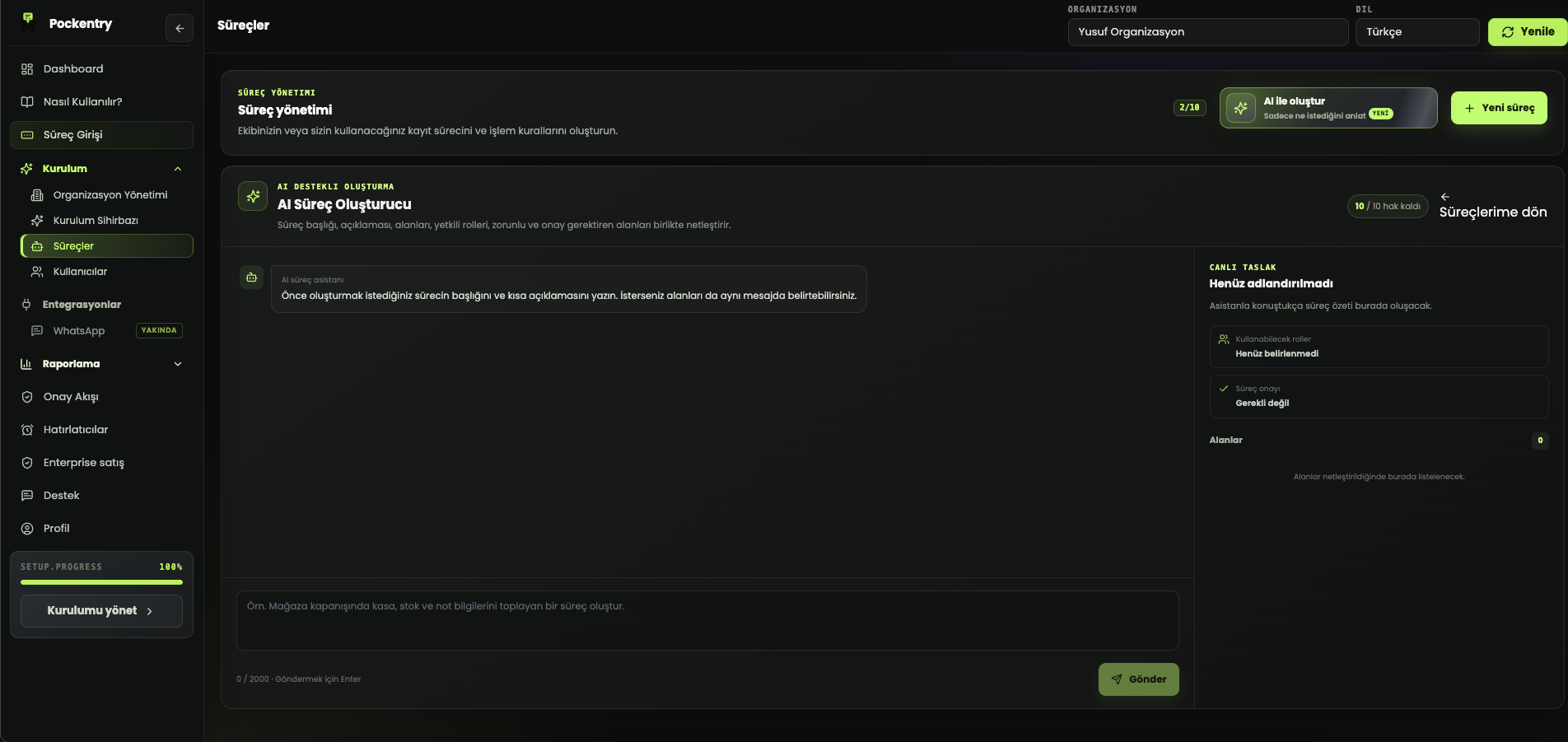
The main advantage of AI workflow creation is turning a blank page into a useful draft quickly. A strong result, however, needs more than “create a sales process.” Suggestions become closer to real operations when the goal, users, decisions, and important exceptions are clearly described.
What should a useful process description include?
- The event or request that starts the process.
- The person or team entering the record.
- The essential information to capture.
- Critical decisions such as approval, delivery, or closure.
- The outcome that should be visible at the end.
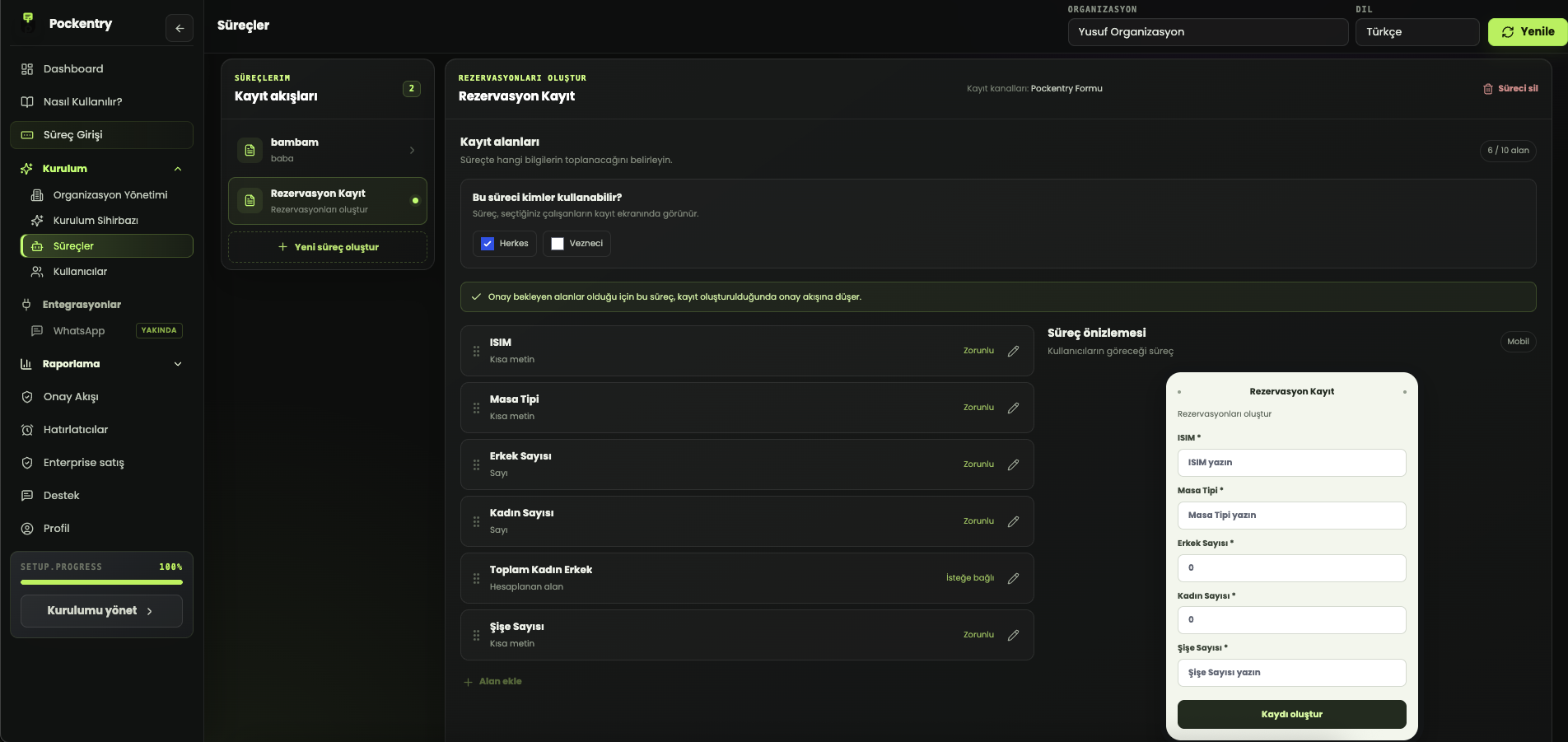
Instead of “I want to track service requests,” explain who sends the request, what the technician records, and when the job is considered closed. AI can then suggest connected fields such as customer, assigned technician, parts used, outcome, and approval rather than producing isolated labels.
Run three checks before publishing the draft
First remove required fields that do not affect the result. Next identify values that need controlled choices instead of free text for reporting. Finally submit a sample record with someone who will actually use the workflow. If the form feels natural, labels are clear, and the result supports a decision, the draft is ready.
AI accelerates the start; it does not replace ownership
An AI suggestion is an editable starting point, not the final process. Pockentry AI onboarding can prepare several workflow and field drafts from a business description while the user chooses which suggestions to install. Setup becomes faster without handing over decisions about rules, access, or approvals.