
Managing Recurring Work with Reminders and Scheduled Reports
Move daily checks out of personal memory and establish a measurable follow-up rhythm that runs on time.
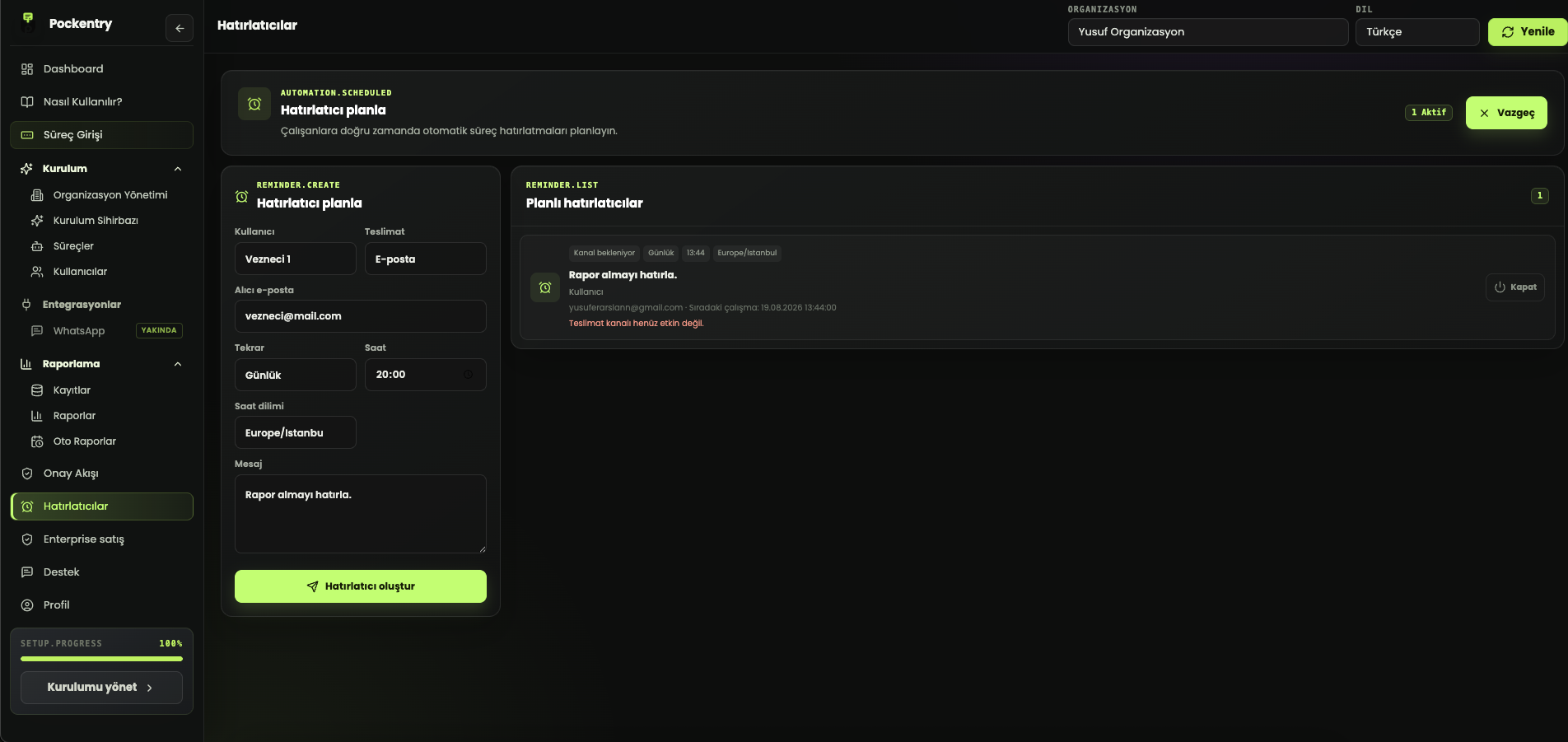
The biggest risk in recurring work is not difficulty but invisibility. Day-end records, weekly inventory checks or monthly management reports can be followed manually for a while. Over time, ownership moves into personal memory and a gap is noticed only after it causes a result.
Do not confuse reminders with task management
A reminder tells the right person that a workflow is due. The submitted record proves completion. A notification becomes useful when it is connected to a measurable process rather than sent on its own.
Choose the right frequency
Notifications sent too often are ignored. Every reminder needs a clear owner, time and expected action. Match the natural rhythm of the work: every day for closing, a chosen weekday for stock counts or the first business day for a monthly summary.
Treat a scheduled report as a control point
A scheduled report is more than an automatically created file. It applies the same scope and filters to every period. If a report is prepared differently each time, comparison becomes unreliable.
- Assign an owner to the record workflow.
- Set reminders around the real deadline.
- Measure completion through the submitted record.
- Show missing and late records separately.
- Schedule management reports with a stable scope.
Keep the boundary of automation clear
Not every step needs automation. Automation should handle recurring timing, scope and delivery, while exceptions and decisions remain visible to people. Pockentry connects reminders, records, approvals and scheduled reports around the same workflow to support that balance.